Group-Office

Administration

  • Installation
  • Upgrade
  • Backup
  • Cleanup database
  • Migration
  • System settings
  • Troubleshooting
  • Logging

Using Group-Office

  • Account settings
  • Connect a device
  • Links
  • Search
    • Query syntax
  • Comments
  • Sharing
  • Custom filters
  • WebDAV

Community Modules

  • E-mail
  • Calendar
  • Address book
  • Files
  • Notes
  • Tasks
  • Rocket Chat
  • OAuth2 Client
  • DokuWiki
  • Templates
  • Bookmarks

Professional package

  • Business
  • Tickets
  • Support
  • Document templates
  • Newsletters
  • Projects
  • Holidays
  • Studio
  • Privacy tools

Billing package

  • Billing
  • Finance

Document search package

  • File search
  • Workflow

Contribute

  • Translations
  • Developer
Group-Office
  • Search
  • View page source

Search

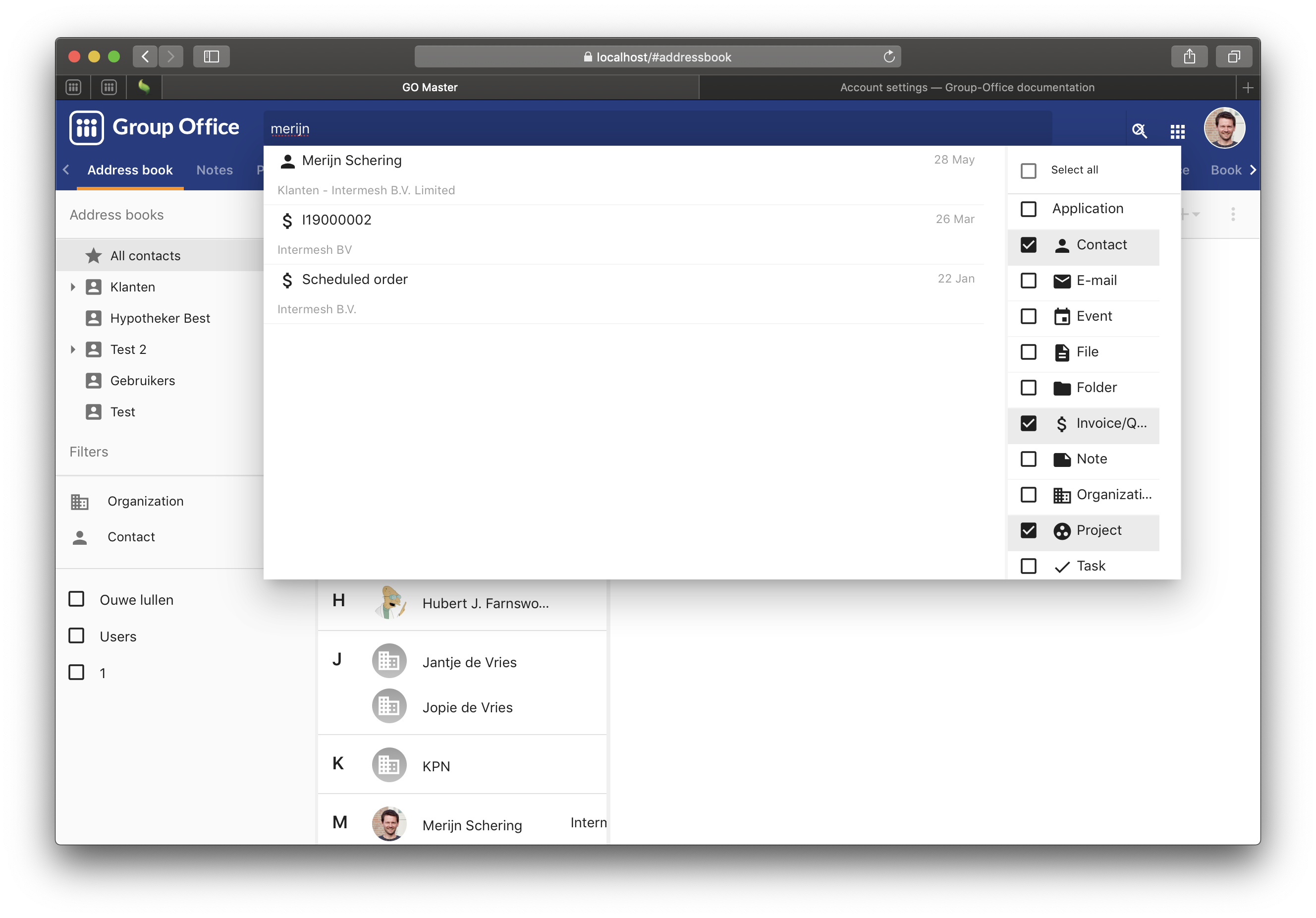
Group-Office has a powerful search function that will search through all items.

You can find it at the top bar:
Search

Search via top bar

Query syntax

When you enter words it will find results that match all of those words.

For example when searching for:

John Doe

It will find anything with John* AND Doe*. Because of the automatic wildcards (*) also “Jonathan” will match for example.

If you want to search for a phrase or without wildcards then you can use quotes:

"John Doe"
Previous Next

© Copyright 2024, Intermesh BV.

Built with Sphinx using a theme provided by Read the Docs.