Collabora Online
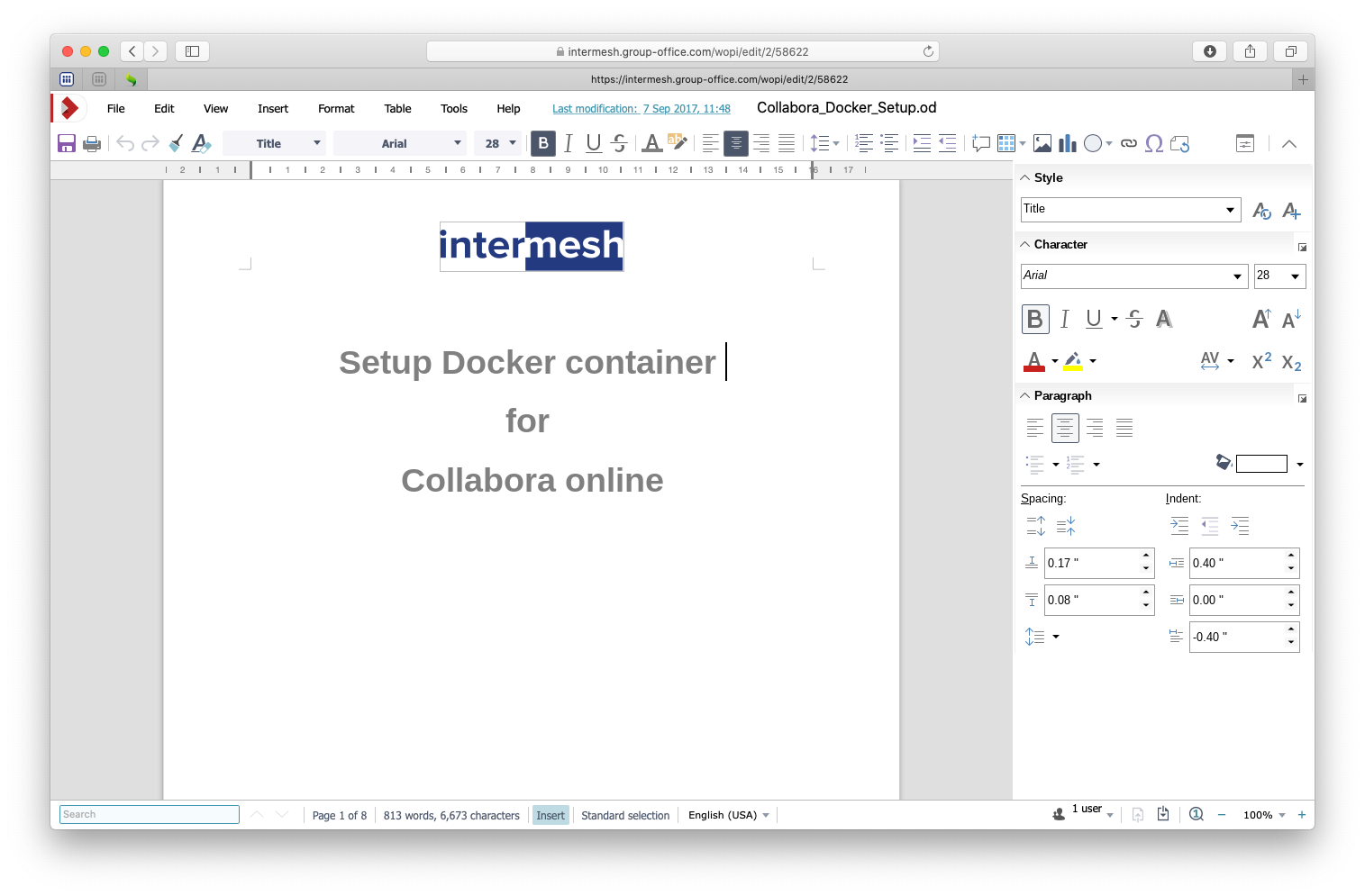
With Collabora Online you can co-edit office documents in your browser. You need a working Collabora Online server. You can find more info on https://www.collaboraonline.com/.
Install the Office Online module from the Business package at System Settings -> Modules.
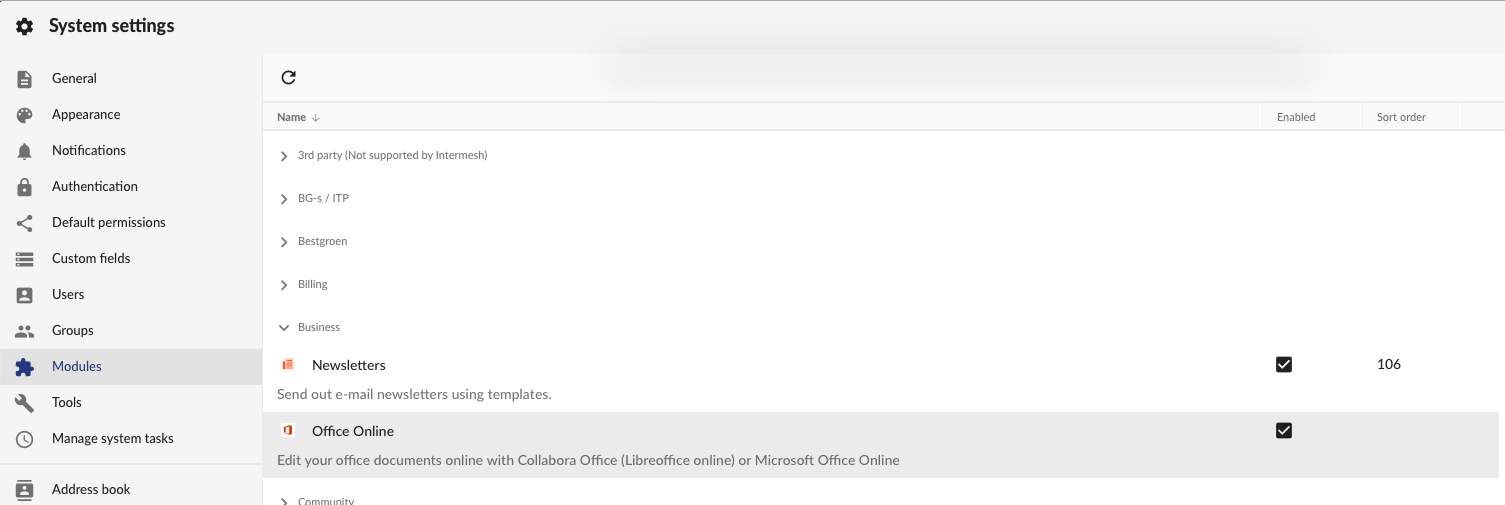
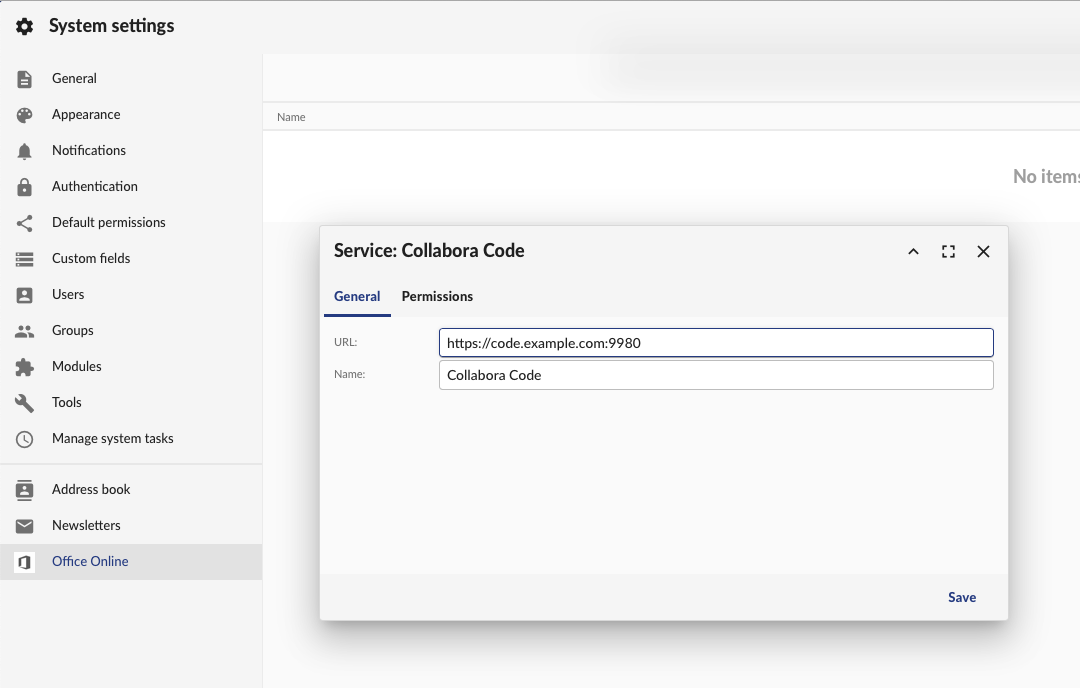
Reload GroupOffice and go to System Settings -> Office Online.
Then add your Collabora Online Service. The default port for Collabora Online is 9980. But with the reverse proxy setup above we’re using the standard SSL port so it’s not necessary to specify it.
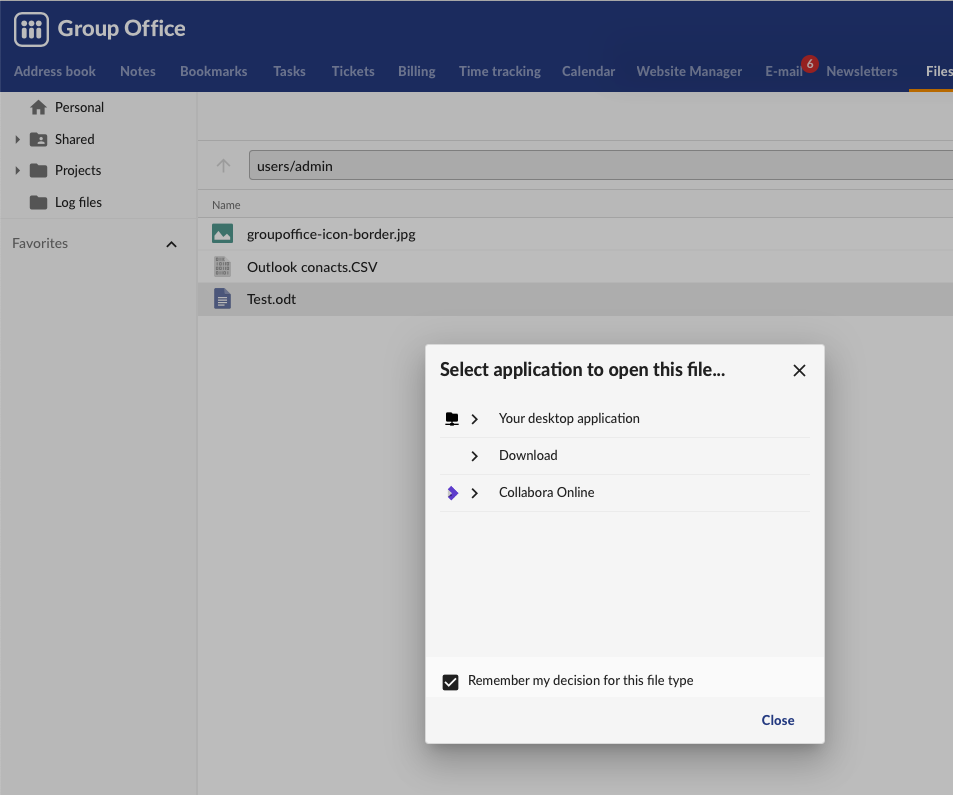
Now you can open a document in the files module with Collabora Online by right clicking on a file and choose ‘Open with…’.
Note
If you get a 404 error when editing because /wopi is not found then you probably are missing the alias in your webserver configuration. The GroupOffice Debian and Docker packages automatically create this but with the tarball package you have to do this manually. Example configuration can be found here.