Authentication
On the authentication page you can manage:
The minimum password length of user passwords
Logout users automatically if they are inactive and disable the “Remember my login until I press logout on this computer”.
Two factor authentication using an OTP client or for ActiveSync devices
Restrict access based on IP addresses
Enable or disable checks whether passwords were hacked earlier
LDAP Authentication
IMAP Authentication
Allow Cross Origin Requests from certain origins
Allow automatic user creation by the API
Note
The features vary depending on which modules are installed on your system.
Automatic user creation
By default, users can only be created from within the user creation wizard. However, it is also possible to let the API handle user creation. The most common use case is the Support module.
If you enable this option, please note that new users will be assigned to the ‘Everyone’ group by default. Every module and all data with permissions for the ‘Everyone’ group will be open to these users. Use with caution!
Authentication:
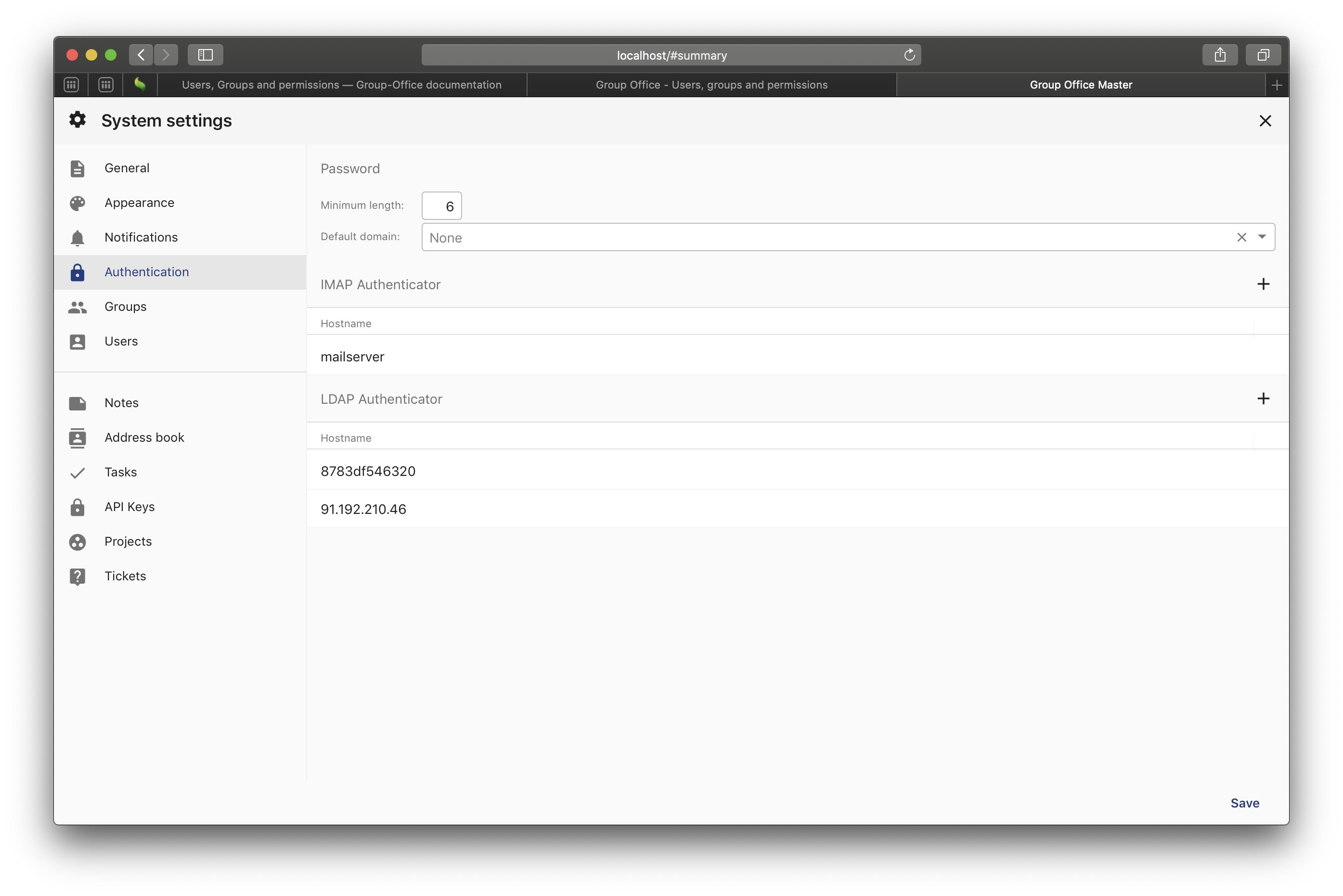
System settings - Authentication